
Press
Scrinium saves articles from the web so you can read them later, clean and offline, and keeps your own copy even if the original page later changes. (The name is Latin for a Roman scroll-chest.) Save an article from Safari — or from Chrome, Edge or Firefox on a computer with the Scrinium Clipper — and it becomes a clean offline copy that stays readable and searchable: an archive to search, not an inbox to clear.
The short version
- No accounts, no subscription, no AI summaries, no telemetry. The App Privacy label is “Data Not Collected”.
- There is no developer server: the archive lives on the user's devices and syncs through their own private iCloud database, which the developer does not receive or access.
- A native serif reader — not an embedded browser. Captured pages are never executed; clutter is filtered; readers can hide whole blocks or single words and split glued paragraphs, and the same block hidden in two articles from one publisher teaches a per-publisher rule.
- Full-text search over every downloaded article, entirely offline; titles and authors are searchable from every device even before an article's body downloads.
- Capture never bypasses paywalls: a save is what the reader's own browser session could already see.
- Free to try: the free archive holds up to 15 articles, and deleting one frees a slot. One one-time purchase, Scrinium Unlimited (local price shown in the App Store, Family Sharing enabled), unlocks unlimited saves and desktop clipping — the app's only purchase.
Facts
- Released: 22 August 2026 (version 2.0.1 followed within days, refining the iPad reader).
- Platforms: iPhone and iPad (iOS 16 or later); runs on Apple silicon Macs as Designed for iPad. Desktop clipping from Chrome, Edge, Firefox and other desktop browsers.
- Price: free download; one one-time in-app purchase (Scrinium Unlimited).
- Developer: Jay Patel, a solo developer in Australia.
- App Store: apps.apple.com/app/scrinium/id6799702981
- Clipper: Chrome Web Store · Firefox Add-ons
Images
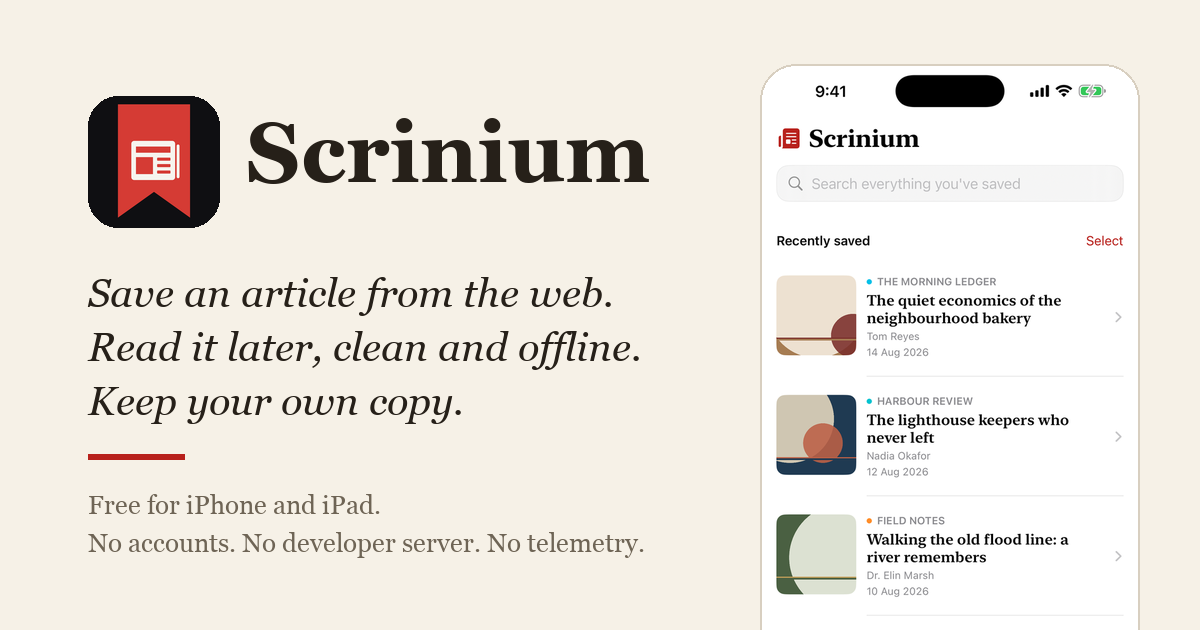
The screenshots on the home page and the social card may be reproduced in coverage of Scrinium, along with the app icon. Full-resolution App Store frames (iPhone 1320×2868, iPad 2064×2752) are available on request. Screenshot content is staged with fictional publications and articles — nothing shown is a real publisher's material.
Review copies
The app is free to download. For a full look at Scrinium Unlimited (unlimited saves and desktop clipping), one-time redemption codes are available on request — email jaydippatel@outlook.com and I'll send one.
Contact
jaydippatel@outlook.com — a real person reads this inbox, usually within a day (AEST).